CRADLESCAN · $97/mo · CANCEL ANYTIME

Stop scanning
540 charts.
Start taking trades.

Cradlescan watches every Bybit USDT perpetual for you — every 15 minutes, 24/7. Only setups that pass the 7-rule Pivot Cradle filter reach your dashboard. Spend your time trading, not searching.

Watch the full platform demo

$97 USD/month — the scanner, the journal, the watchlist, the monthly PDF report. Cancel anytime from inside the dashboard; you keep access through the end of the paid period. Add the Learn course at signup for a one-time $247 USD — yours to keep, even if you cancel the subscription later.

New to the Pivot Cradle setup? Add Learn at signup. Already trained on the strategy? Just subscribe. All prices in USD. Checkout is handled by Stripe — your card is charged in USD; non-USD cards are converted by your bank at their FX rate. By continuing you accept our Terms, Privacy Policy, and Refund Policy.
marketintern.com
Cradlescan · a MarketIntern product
FULL DEMO
0:48
540
Bybit pairs scanned
15M
Scan frequency
$3M+
Minimum daily volume
7/7
Rules required
How it works

The scanner never sleeps.
Open it when you're ready to trade.

01 —
Liquidity checked first

Every 15 minutes, Cradlescan filters every Bybit USDT perpetual by 24-hour volume. Only pairs above $3M in daily volume make the list. Thinly traded pairs — where price is easily moved by a single player — are excluded automatically.

02 —
All 7 rules or nothing

Every signal on the dashboard has already passed Craig's full 7-rule check across two timeframes. You skip the noise and the borderline setups — only the pairs that made it all the way through ever appear.

03 —
Chart to TradingView in a click

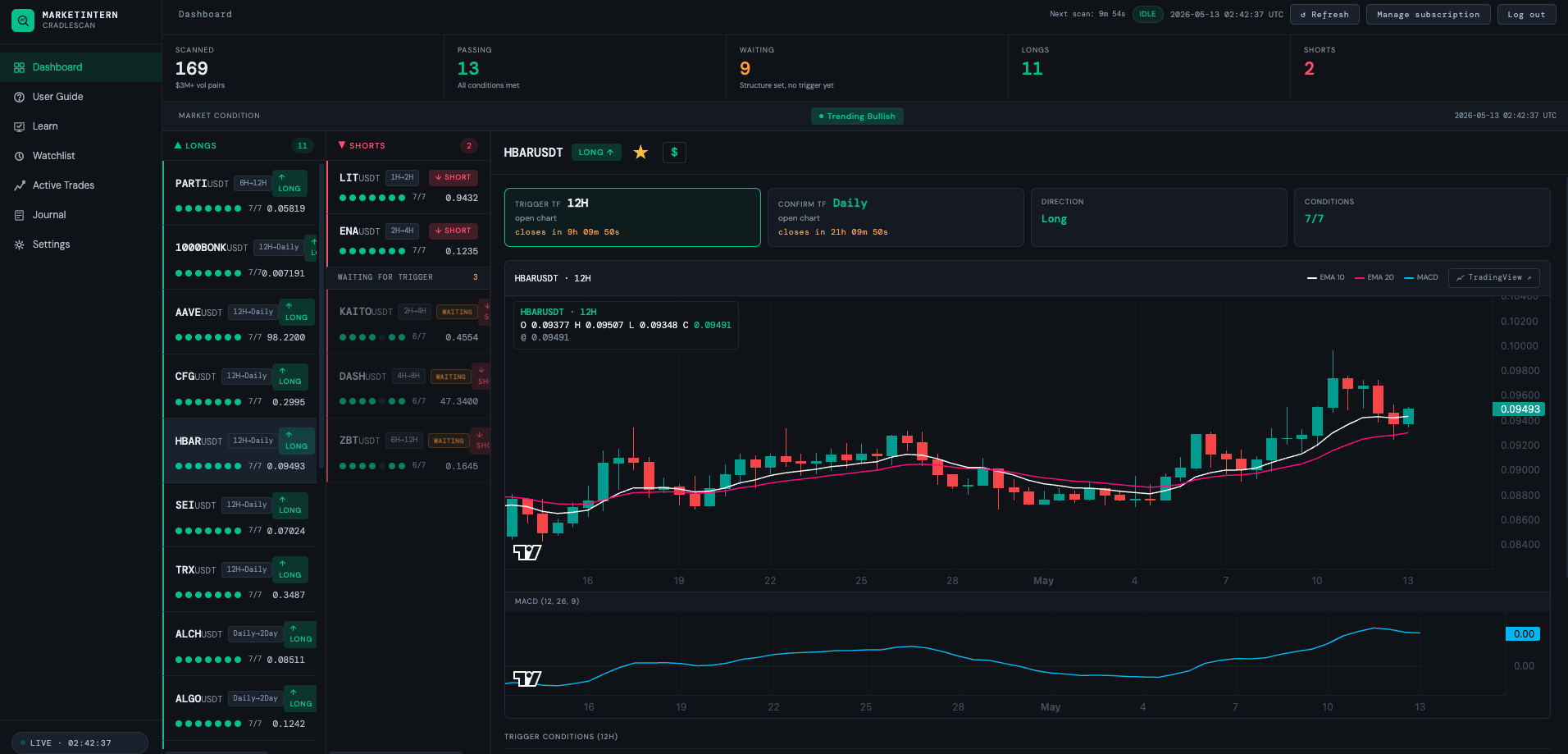
Click any signal for a live candlestick chart with EMA 10/20 and a synced MACD. The TradingView button opens the correct pair and timeframe in a new tab. Draw your levels, set your alerts, take the trade.

All 7 rules passing — every signal card shows 7/7
Cradlescan dashboard showing a signal with all seven rules passing

Every signal passes all seven.
Across both timeframes. Or it doesn't appear.

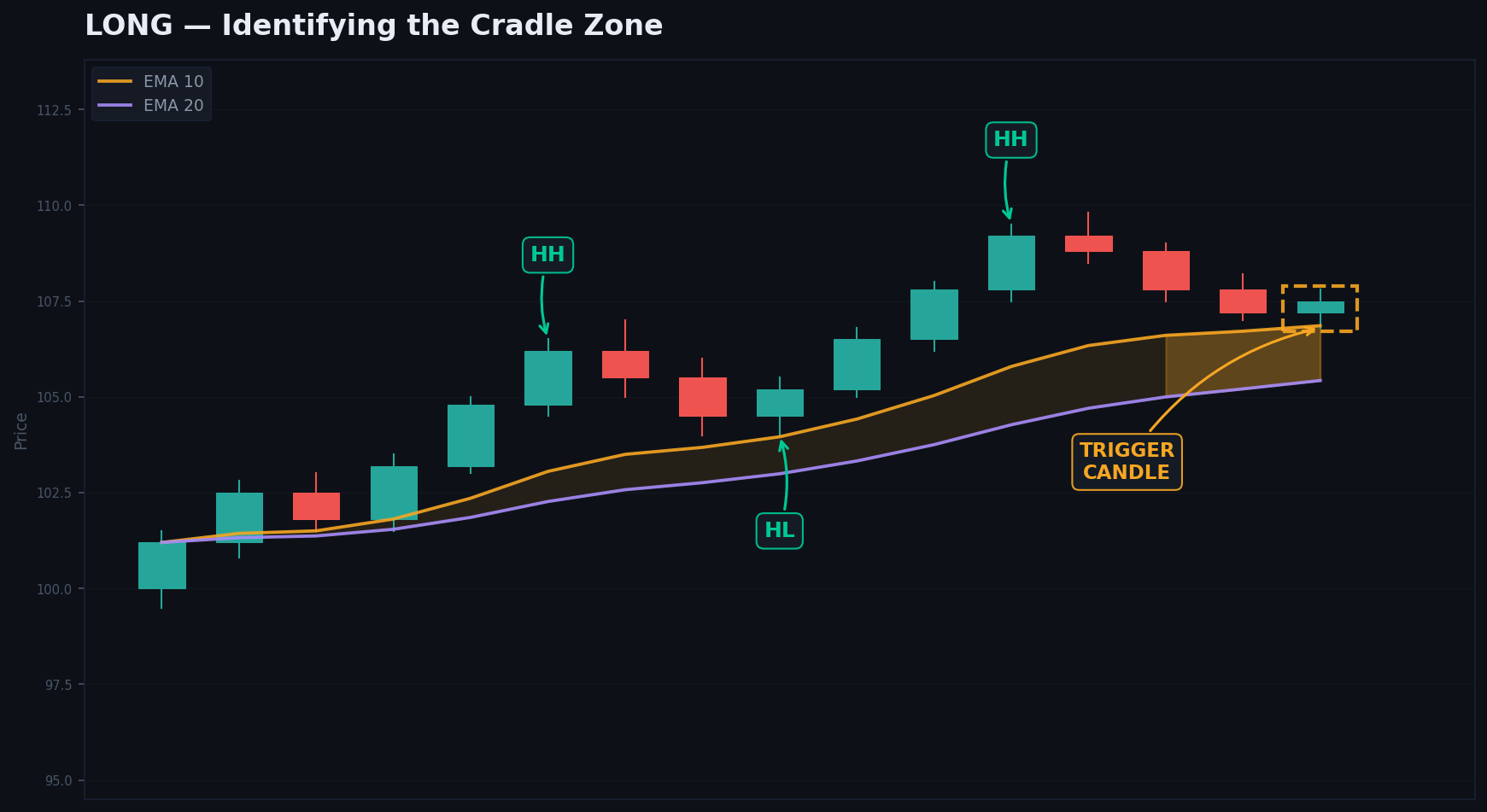
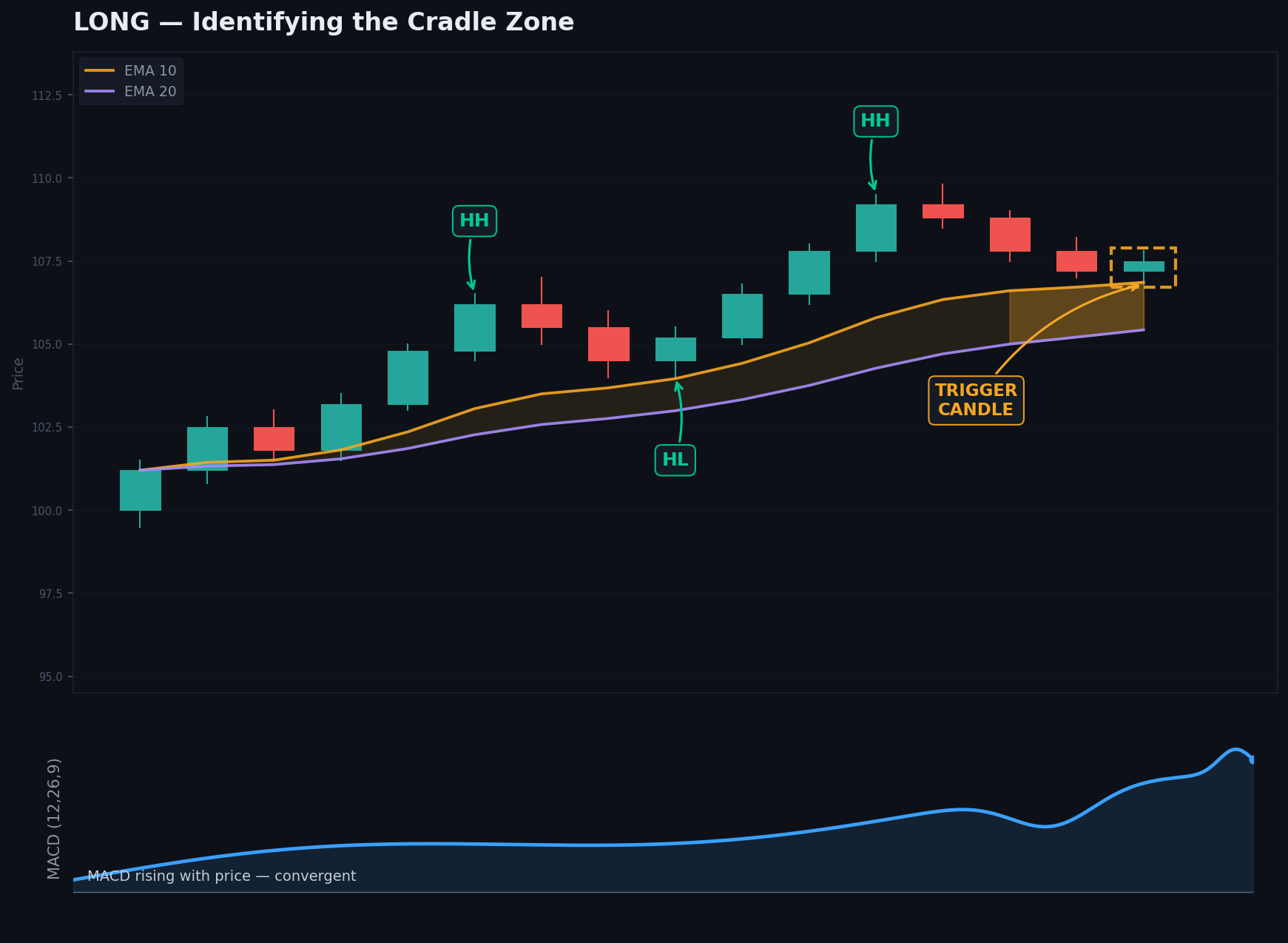
Four rules on the trigger timeframe. Two more on the confirming timeframe. Craig's exact checklist — running automatically across every liquid Bybit pair, every 15 minutes, 24/7.

Craig Cobb, founder of The Grow Me Co

I've taught this setup for two decades. Cradlescan runs the same seven-rule checklist I use on every chart — across every liquid Bybit pair, around the clock. When a signal fires, you already know it passed.

Craig Cobb
Founder, The Grow Me Co · 21 years trading experience
See it live

Watch the platform in action.
12-minute guided walkthrough.

Craig walks through the dashboard, a live signal, and how the journal closes the loop. Skip ahead with chapters or watch end-to-end.

The strategy course

The scanner finds the setups.
Learn teaches you what to do with them.

Cradlescan hands you setups that pass the 7-rule filter. The entry, the stop placement, the target approach — that's strategy, not signal. Learn is the full structured course on the Pivot Cradle setup. If you haven't already trained on this strategy, add Learn at signup so you know exactly what to do when a signal fires.

01 —
Entry rules

When to take the trade and when to skip — the criteria that separate a clean signal from a borderline one. Built around the same checklist that runs in the scanner.

02 —
Stop placement

Where to set your protection so the trade has room to work without giving back your edge. Initial stop, breakeven, and the realised-R trail.

03 —
Target approach

How to ride the move — when to bank partials, when to trail, when to walk with the full R-multiple. Plays for trending markets and chop alike.

Sold only with a subscription
Learn — $247 USD, one-time

Bundled at signup with your scanner subscription: $344 USD the first month ($247 USD Learn + $97 USD first-month subscription), then your $97 USD/mo subscription continues as normal. Learn is yours to keep — if you cancel the subscription later, you keep Learn permanently. We don't sell the strategy as a standalone product on this site; the full standalone course lives at thegrowmeco.com/course.

Cradlescan

$97 USD/month.
Cancel anytime.

One flat monthly price for the full platform — the scanner, the journal, the watchlist, and the monthly PDF report. No tiers, no upsells inside the dashboard. Cancel from inside the dashboard whenever you like; access continues to the end of the paid period.

$97 USD per month ≈ $137 AUD · about $34 / week
Choose how you want to start

Subscribe to the scanner.
Bundle Learn at signup.

Bundle · Sold with subscription
Subscribe + Learn — the full toolkit

For traders new to the Pivot Cradle setup. The scanner subscription plus the full strategy course in one checkout. Yours to keep — Learn stays with you even if you cancel the subscription later.

$344USD · first month
  • Everything in the subscription plan
  • Plus the full structured course — entry, stop, target
  • $247 USD Learn (one-time) + $97 USD first-month subscription
  • Then $97 USD/mo subscription continues as normal
  • Learn is yours to keep — even if you cancel
Common questions
Does Cradlescan place trades automatically?

No. Cradlescan is a scanning and display tool. It hands you a shortlist of qualified setups every 15 minutes. You make every decision and execute every trade yourself on Bybit.

What if I cancel?

Cancel anytime from the Manage subscription button in your dashboard — it opens Stripe's billing portal where you can stop the next charge in one click. Scanner access continues to the end of the current paid billing cycle, then ends. Download any reports you want to keep before you cancel. If you bought Learn, the course stays yours permanently — Learn doesn't lapse with the subscription.

Why is Learn sold only with a subscription?

Learn pairs with the scanner — the course teaches you what to do with the setups Cradlescan finds. We don't sell the strategy as a standalone product on this site; the full standalone course lives at thegrowmeco.com/course. New buyers add Learn to their first checkout as a bundle ($344 USD first month). Existing subscribers can add Learn from the dashboard at any time for $247 USD.

Can I add Learn later?

Yes — once you're an active subscriber, you can add Learn from the dashboard for $247 USD one-time. Cancellation doesn't affect a Learn purchase you already own — Learn is yours to keep.

Do I need to have done the course?

No — but it helps. The Learn add-on (above) gives you the full strategy: entry rules, stop placement, target approach. You can start trading from day one with just the scanner subscription.

What exchange does it scan?

Bybit USDT perpetual futures only — about 540 pairs filtered to those with at least $3M in daily trading volume.